
AI Template Builder
AI Template Builder
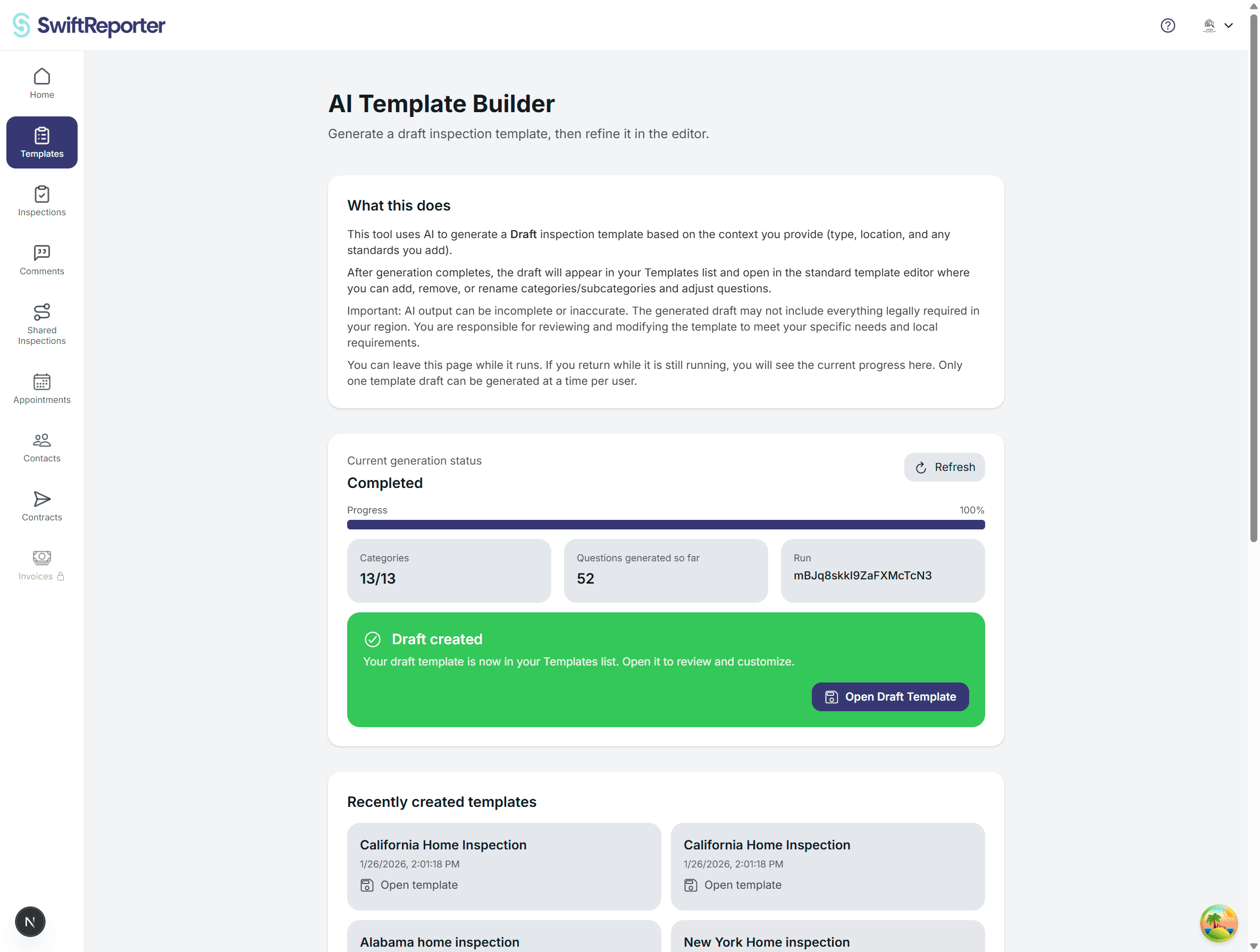
The AI Template Builder helps you generate a draft inspection template using AI. You provide context, such as inspection type, location, standards, and optional instructions. SwiftReporter then creates a draft template you can refine in the Templates editor.
What you get
- A draft template with categories and subcategories.
- Optional category and subcategory text.
- Optional questions, kept minimal by design.
- A template you fully own and can edit like any other template.
How to use it
- Go to Templates.
- On the web, click Create New, then click Launch AI Wizard under AI Template Wizard.
- Fill in the required fields, including report name and location, plus any optional standards and rough draft notes.
- Start generation and wait for it to complete.
- When complete, open the draft template and refine it in the template editor.
Important notes
- AI output can be incomplete or inaccurate. Always review your draft for your region and standards.
- Generation runs asynchronously. You can leave the page and return to see progress.
- Only one draft generation runs at a time per user.
Troubleshooting
- If generation fails, refresh the status and try again.
- If the result is missing sections you expect, add them manually in the editor or rerun with more detailed standards and instructions.