
Contract Templates
Contract Templates
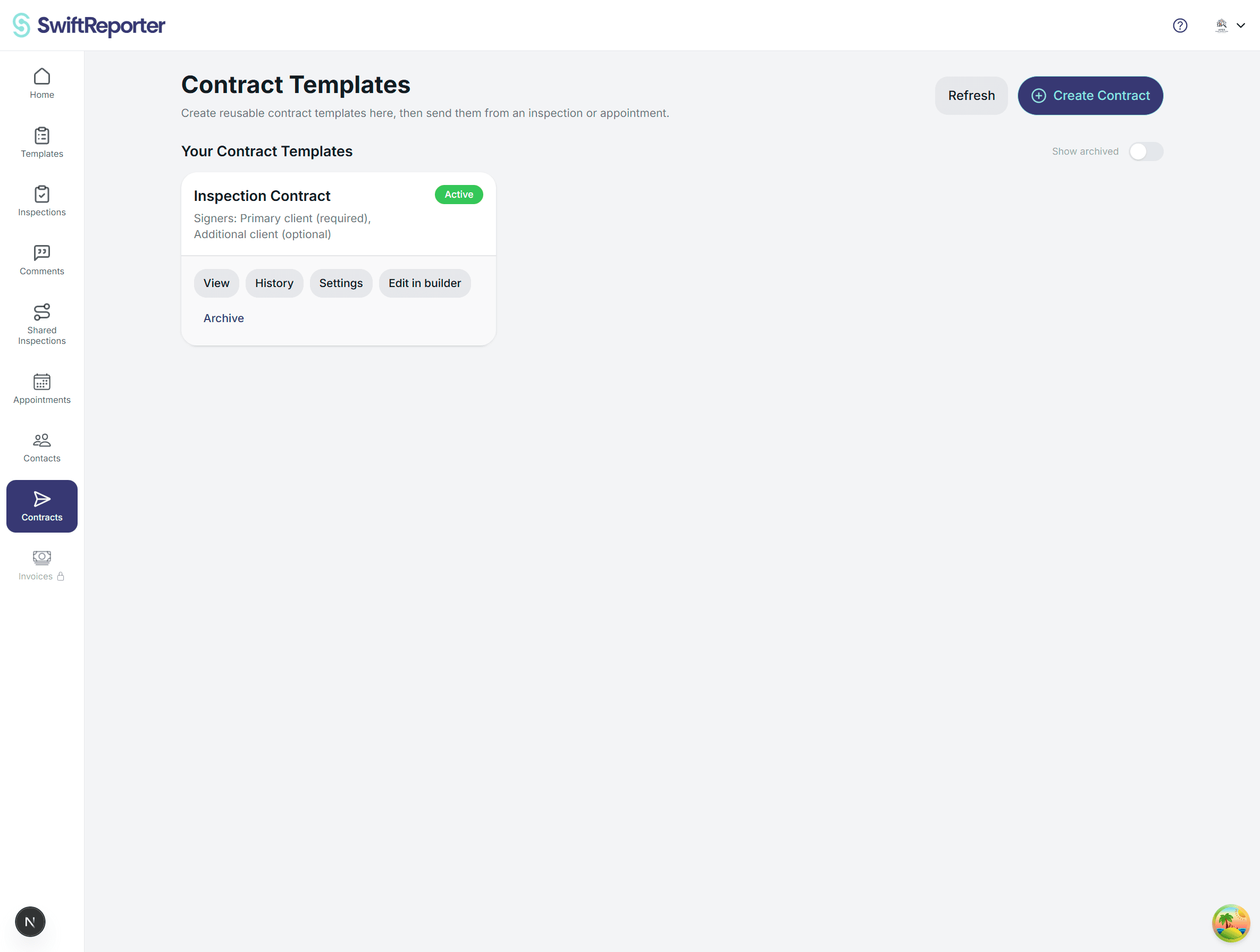
Contract templates let you create reusable agreements that you can send for signature from an appointment or inspection. Templates define the document layout and who needs to sign.
Important concept: templates are reusable
You do not send or sign templates from the Templates page. You create a template once, then use it when sending a contract for a specific appointment or inspection.
Create a new template
- Go to Contract Templates.
- Click Create Contract.
- Enter a template name.
- Choose who needs to sign and whether each signer is required.
- Optionally choose signed-copy receivers.
- Save to open the document builder.
Edit the document in the builder
In the embedded builder you can upload a document and place fields such as signatures, dates, and text inputs. Make sure required fields are placed correctly before using the template in a real appointment.
Template settings
Use Settings to update signer requirements and signed-copy receivers without changing the document layout.
Preview and history
- View: preview the template as it will appear to signers.
- History: see contracts sent using this template and track their status.
Archive and restore
Archive old templates to hide them without deleting. Toggle Show archived to view and restore them later.
Sending a contract
To send a contract, open an appointment or inspection and use the Contracts section to select a template, confirm recipients, and send signing links.
Tips
- Create templates before you start scheduling so you can send agreements immediately.
- Use required signers only when necessary.
- Use History to follow up on pending signatures.