
AI Template Agent (Edit With Suggestions)
AI Template Agent (Edit With Suggestions)
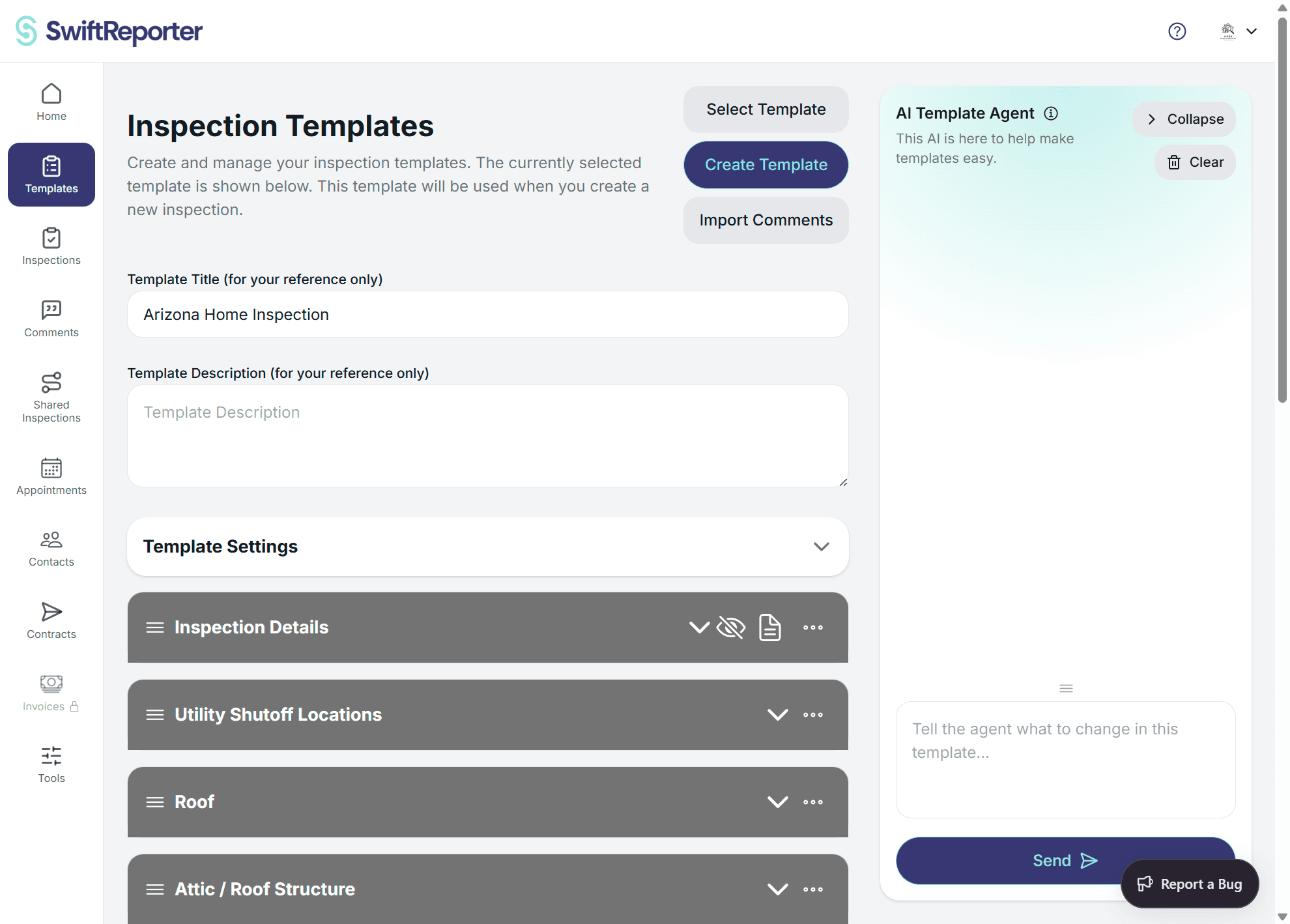
The AI Template Agent helps you edit templates faster by proposing specific, structured changes based on what you type. You review suggested changes and decide what to keep.
What the agent can help with
- Add, rename, move, duplicate, or delete categories and subcategories
- Add, edit, move, or delete questions (text, checkboxes, dropdown)
- Update template settings (for example: severity, summary behavior, cover page, table of contents)
How to use it
- Go to Templates and open the template you want to edit.
- Open the AI Template Agent panel.
- Type a request (for example: rename a section, add a missing subcategory, or adjust questions).
- Review the proposed changes one-by-one.
- Use Keep to apply the current change, or Undo to discard it.
Review workflow
- Keep: saves the current proposed change into the template.
- Undo: removes the currently selected proposed change.
- Next: moves to the next suggested change.
Important: suggested changes are not saved until you click Keep.
Troubleshooting
- If the agent asks clarifying questions, answer them and resend your request.
- If the suggestions are too broad, ask for a smaller change or specify the exact category/subcategory to modify.