
The Home Screen
The Home Screen
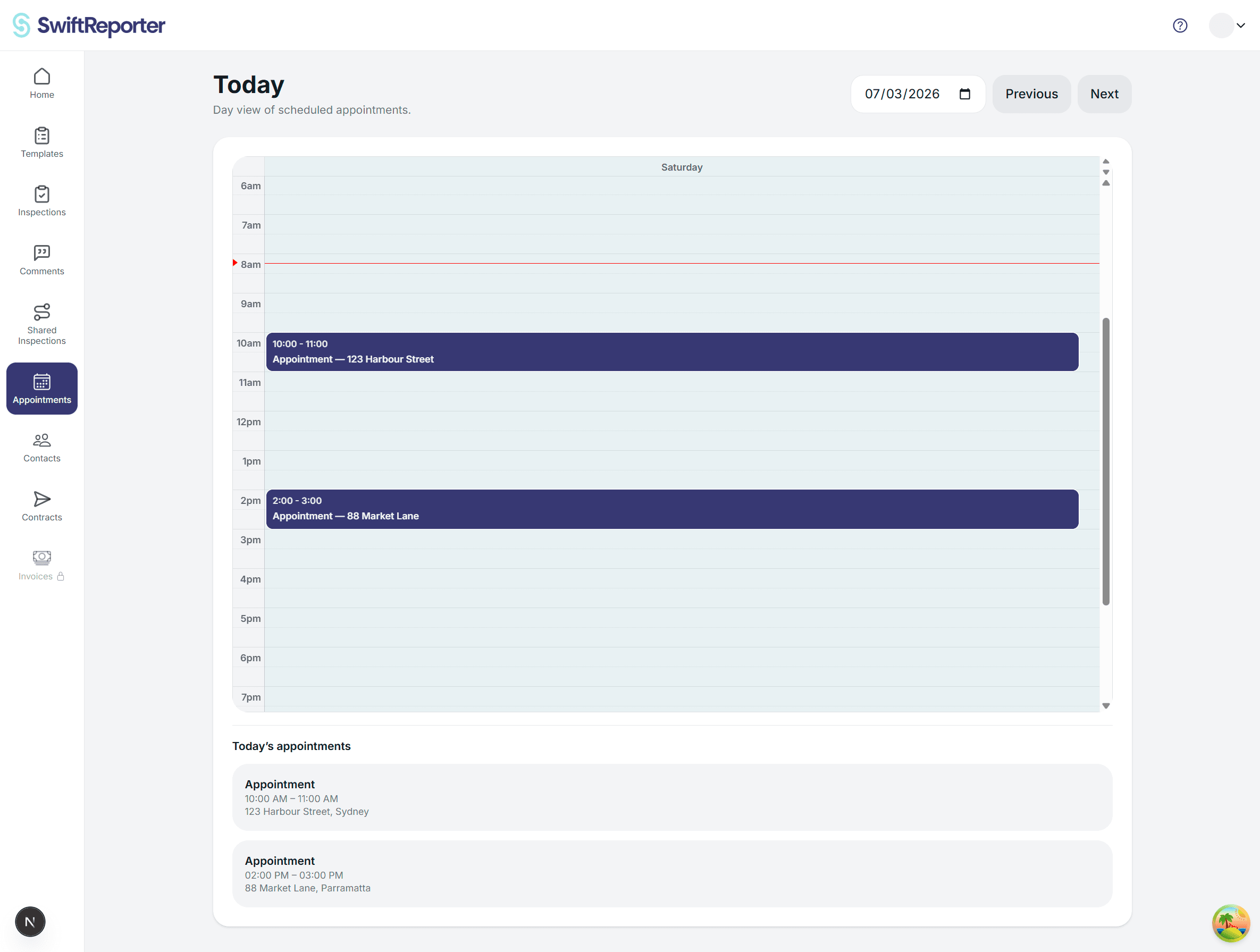
After logging in, you'll land on the Home screen, which is the main hub for managing your inspections and templates.
Main Interface Elements
App Header
- SwiftReporter Logo: Prominently displayed at the top
- Custom Header: Contains navigation and user controls (accessible from the right side of the header)
Templates Section
The first section displays your template management:
- Section Title: "Templates"
- Template List: Shows available inspection templates
- Edit Template Button: Allows you to modify your templates
Recent Inspections Section
The main section displays your inspection management:
- Section Title: "Recent Inspections"
- Inspection List: Shows your inspections with the following information for each:
- Inspection name/title
- Creation date
- Last updated timestamp
- Status indicators
- Paid / Unpaid (web): whether your client paid you for the job. On mobile, a Paid pill appears when the client has paid. This does not unlock a watermark-free PDF or sharing.
Create Inspection Button
- Located within the inspection list area
- Clearly labeled "Create Inspection" or has a "+" icon
- Creates a new inspection with an auto-generated name like "Inspection [current date/time]"
Navigation and Actions
Viewing Inspections
- Tap any inspection in the list to open the inspection details screen
- This takes you to the main inspection interface where you can view observations, add photos, and manage the inspection
Creating New Inspections
- Tap the "Create Inspection" button
- The app automatically creates an inspection with a timestamp-based name
- You're immediately taken to the inspection screen to start adding observations
Template Management
- Use the "Edit Template" button in the Templates section to modify your inspection templates
- This opens the template editor where you can customize categories, questions, and structure
Archive Access
- The system tracks which inspections are active vs. archived
- Archived inspections are managed separately from the main list
User Interface Features
Loading States
- Shows activity indicators when creating inspections or loading data
- Prevents multiple actions while processing is in progress
Error Handling
- Displays alerts for errors (e.g., "Failed to create new inspection")
- Shows subscription status warnings if you've reached usage limits
Subscription Status
- The app monitors your subscription/trial status
- Displays purchase prompts if you need to upgrade to create more inspections
Getting Started Tips
💡 First Time Users: If this is your first time using the app, you'll see guidance on creating your first inspection and setting up templates.
📝 Quick Start: The fastest way to begin is to tap "Create Inspection" and start adding observations immediately.
⚙️ Customization: Visit the Templates section to customize your inspection structure before creating inspections for more organized reporting.