SMS Opt-In for Customers
SwiftReporter can send text message SMS reminders and updates to your clients, including appointment confirmations, reminders, invoice notices, and contract signing requests. Before any texts are sent, the client must explicitly opt in. This page explains how the opt-in works from both the inspector side and the client side.
How It Works - Overview
- The inspector enables SMS notifications in notification settings.
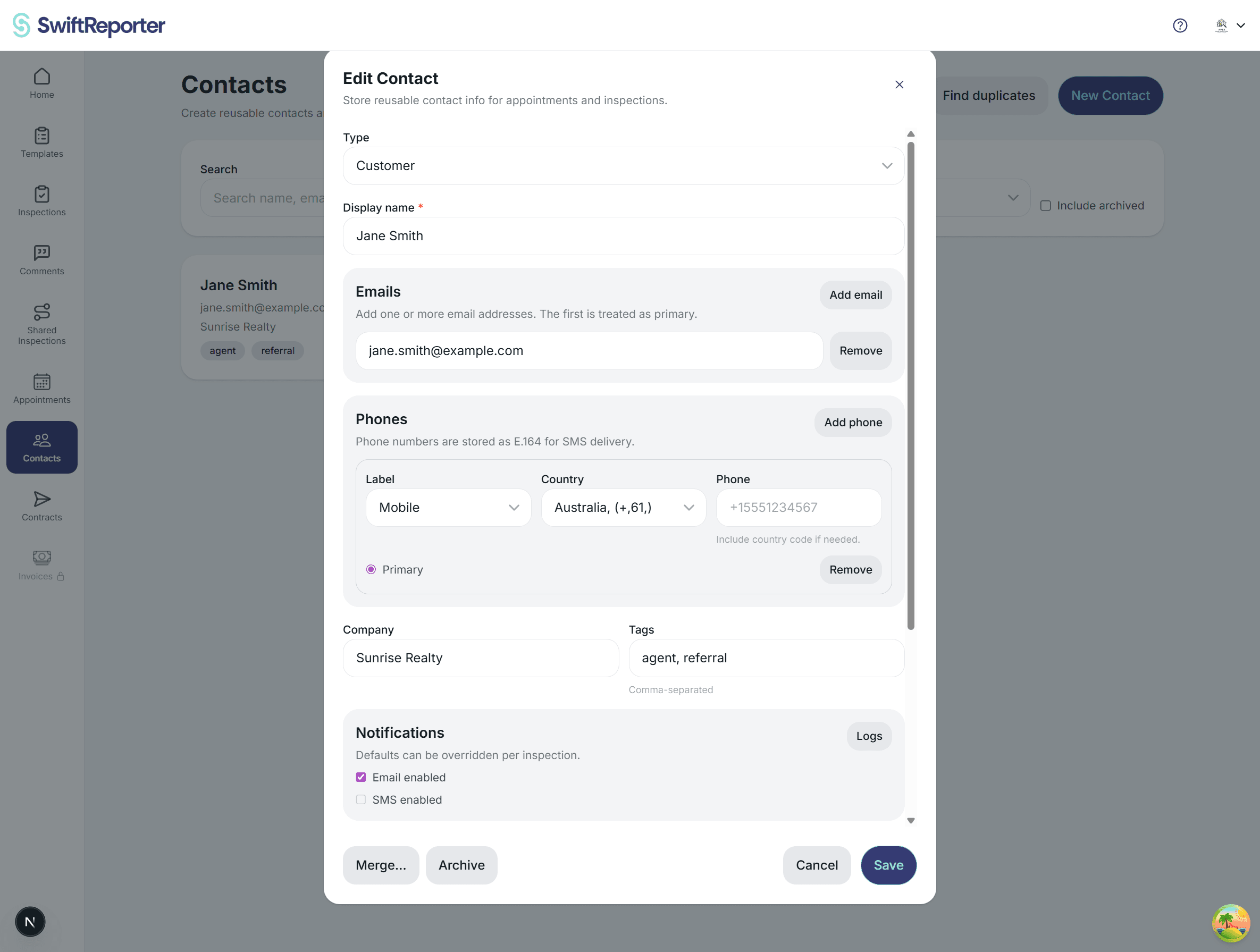
- The client has a phone number on file, added by the inspector when setting up a contact or appointment.
- The client receives an email inviting them to manage notification preferences.
- The client visits the Customer Portal, reads the consent disclosure, checks the agreement box, and clicks Opt in to text messages.
- SwiftReporter records the consent and begins sending SMS updates.
Inspector Setup
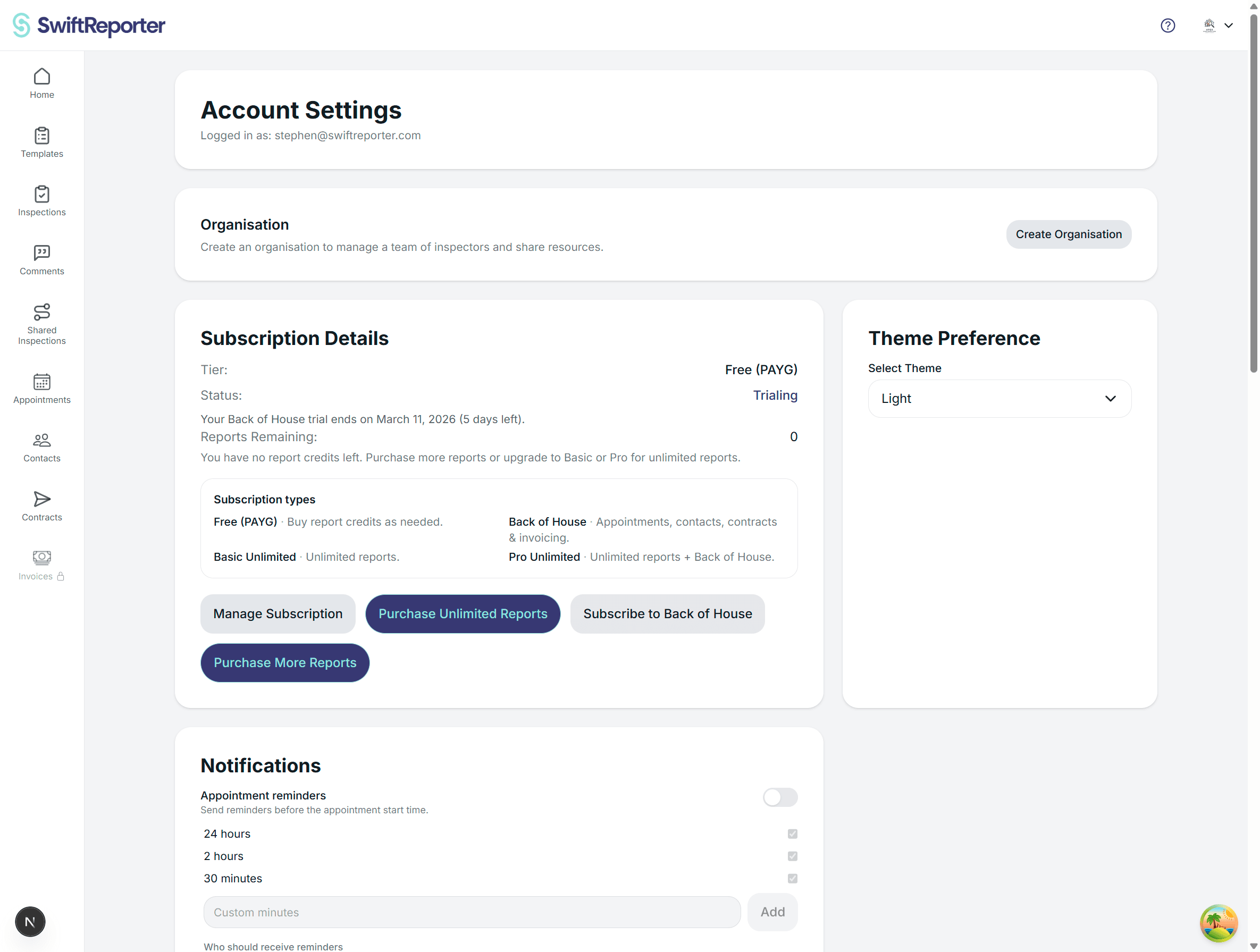
Before clients can opt in, SMS must be enabled in your account. Go to Account -> Notification Settings and make sure SMS notifications are turned on. Once enabled, clients who have a phone number on file and visit their portal will see the SMS opt-in option.
The Customer Portal - Notifications Page
Clients access notification preferences through the Customer Portal. They can reach it via:
- A link in any appointment confirmation, invoice, or contract email they receive.
- A direct link you share with them to their portal dashboard.
In the portal, clients navigate to Notifications. The page shows a Text messages (SMS) section.
What the client sees
If SMS is not enabled by the inspector: A message reads: "SMS notifications are not currently enabled by your inspector." No opt-in option is shown.
If SMS is enabled but no phone is on file: A message reads: "No phone number is on file for your account. Contact your inspector to add one."
If SMS is enabled and a phone number is on file: The client sees the phone number displayed as read-only, for example "Phone on file: +1 555 123 4567", followed by a consent disclosure box.
The Consent Disclosure
The disclosure text tells the client exactly what they are agreeing to, including:
- The types of messages they will receive, such as appointment reminders, inspection updates, invoice notices, and contract signing requests.
- The inspector's name.
- A note that message and data rates may apply.
- Instructions on how to stop messages at any time by replying STOP.
The exact text shown to the client includes the inspector's name so there is never any ambiguity about who is sending the messages.
The client must:
- Read the disclosure.
- Check the I agree to receive text messages checkbox.
- Click Opt in to text messages.
The Opt In button remains disabled until the checkbox is ticked, preventing accidental consent.
After Opting In
Once the client opts in:
- A green confirmation message appears telling them preferences have been saved.
- The page updates to show that they are opted in to receive text messages at the stored phone number.
- The opt-in status and the exact consent language, including the inspector's name and date of consent, are securely stored.
From this point, SwiftReporter will send the client SMS messages for appointment confirmations and reminders, rescheduling and cancellation notices, invoice delivery and payment requests, and contract signing requests and reminders.
Opting Out
Clients can opt out at any time in two ways:
- Via the portal: On the Notifications page, click the small opt-out link. A confirmation message appears once the change is saved.
- Via SMS: Reply STOP to any text message. SwiftReporter processes this automatically and no further messages will be sent.
After opting out the page returns to the opt-in form so the client can subscribe again whenever they choose.
Phone Number
The phone number used for SMS is the one your inspector has on file for the client in the Contacts section. Clients cannot change their phone number from the portal. If a client needs a different number they should ask the inspector to update the contact record.
Multiple Inspectors
If a client is linked to more than one inspector who has SMS enabled, the consent disclosure will list all inspector names. A single opt-in covers all linked inspectors.