
Add Video to Home Inspection Reports | SwiftReporter Update
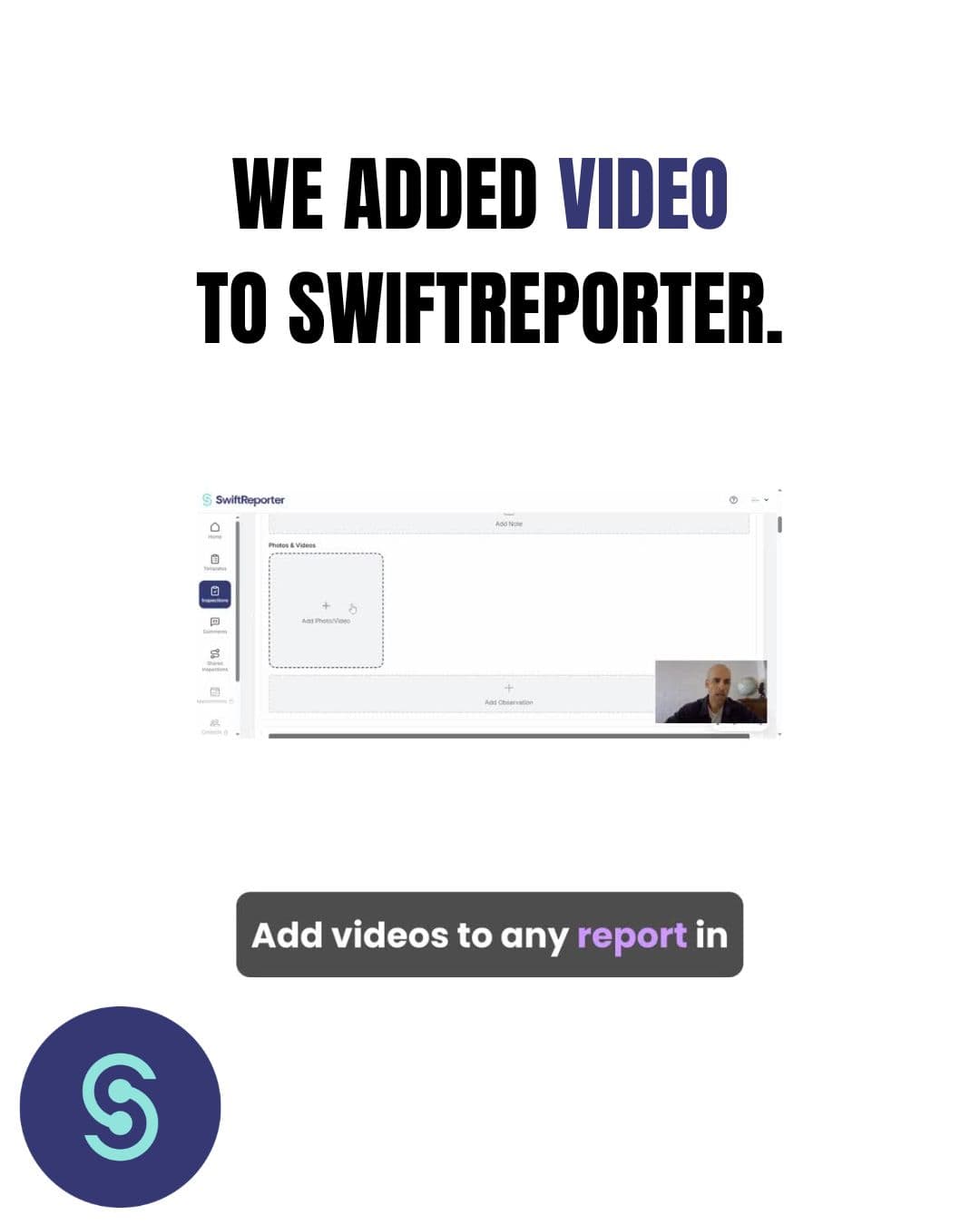
You Asked, We Built It: Video Observations are Live in SwiftReporter
Why Modern Home Inspection Software Needs Video
Sometimes a photo just doesn’t cut it.
If you are a home inspector, you know the struggle of trying to write a paragraph describing the exact screech of a failing HVAC unit, or the precise drip rate of a shower pan leak. You can write an essay, or you can capture undeniable video proof.
Since day one, our mission at SwiftReporter has been to build the fastest, most efficient home inspection report software on the market—with zero bloat. But as our community of inspectors has grown, one piece of feedback became loud and clear: you needed the ability to add video to your home inspection reports.
So, we built it. And we built it the SwiftReporter way.
Starting this week, you can seamlessly add video clips directly to your observations. Whether it's a wobbly toilet, a flickering electrical panel, or a slow drain, you can now capture it in seconds and embed it directly into the final interactive PDF for your clients.
The Benefits of Video for Home InspectorsAdding video to your inspection workflow isn't just a gimmick; it fundamentally protects your business and saves you time on site.
- Undeniable Proof (Reduced Liability): Video eliminates the "he said, she said." If a real estate agent or a seller pushes back on a defect, the video does the talking. It is your ultimate liability shield.
- Faster Report Writing: Stop trying to type out complex explanations for mechanical noises or structural movements. Record a 5-second clip, flag the defect, and move on to the next room.
- A Premium Client Experience: Homebuyers and real estate agents expect modern, digital deliverables. A modern home inspection report with embedded video stands out drastically from the crowd of legacy, static PDF documents.
All the Features, Zero App BloatThe biggest complaint we hear about legacy home inspection apps is that every time they add a new feature, the app gets slower and crashes on site.
Our biggest priority when building Video Observations was protecting your speed. We optimized the video handling on the backend so it doesn't clog up your offline sync. Your app stays fast, responsive, and field-ready, even in areas with zero cell service.
How SwiftReporter Compares: Video Integration
| Feature | Legacy Software | SwiftReporter |
|---|---|---|
| Video Upload Speed | Often lags or crashes the app on-site | Highly optimized for instant capture |
| Offline Syncing | Videos get stuck pending upload | Caches locally and syncs smoothly |
| Report Aesthetic | Clunky links or broken embeds | Clean, modern, integrated video player |
| App Bloat | Heavy, slow, drains battery | Lightweight, built purely for speed |
Frequently Asked Questions (FAQ)
- Can I add video to a home inspection report? Yes. With SwiftReporter's newest update, home inspectors can record and attach video clips directly to defect observations, which are then embedded into the final digital report for the client.
- Does adding video slow down my inspection app? In legacy systems, yes. However, SwiftReporter was engineered to optimize video files instantly, ensuring your offline sync remains fast and your app never crashes on the job site.
- Are video observations available on mobile? Yes, SwiftReporter’s video feature is fully supported on both our iOS (Apple) and Android mobile apps.
The RolloutThe feature is officially live on our servers and is rolling out to the Apple App Store and Google Play Store over the next few days. Keep an eye out for the update!
Want to see exactly how it works? Check out the step-by-step guide in our docs here.
Evan Sutter, Co-Founder, SwiftReporter Software