
Going Paperless: The Inspector’s Guide to Digital Transition
Blog Content By Evan Sutter, Co-Founder, SwiftReporter
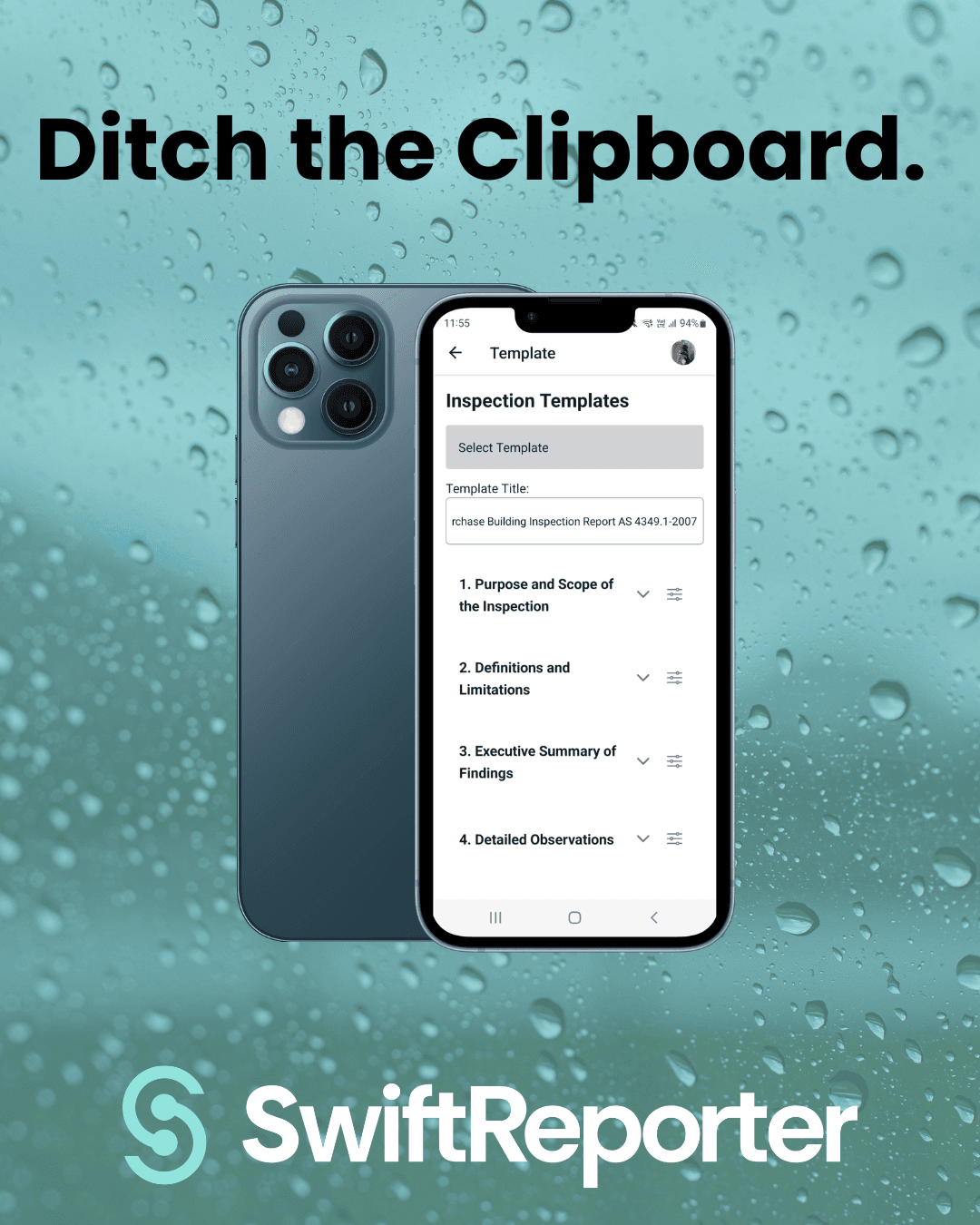
If you are still carrying a clipboard or using a legacy system that feels like "digital paper," you are fighting a losing battle against time. Transitioning to a true mobile-first digital workflow is the single biggest upgrade you can give your business.
1. Real-Time Data Sync: Paper notes have to be transcribed. Digital reports are built in real-time. This eliminates the "double-work" that keeps inspectors up late at night.
2. Visual Continuity: Digital systems allow you to attach photos directly to the defect as you find it. No more trying to remember which "small crack" photo belonged to which bedroom.
3. Instant Delivery: In a competitive market, speed wins. Digital software allows you to deliver the report before you leave the driveway, giving your clients the answers they need instantly.
What is the best digital software for home inspectors? The best software is a mobile-first, "no-bloat" platform that allows for offline data entry, cloud syncing, and integrated payment processing.
How do I transition my inspection business to be paperless? Start by choosing a software with an intuitive mobile UI, migrating your most-used templates, and committing to finishing one section of the report on-site per job until you master the "Report-as-You-Go" workflow.
By Evan Sutter, Co-Founder, SwiftReporter