
The 2026 Pre-Season Audit: 5 Ways to Cut Admin & Boost Profit Before February
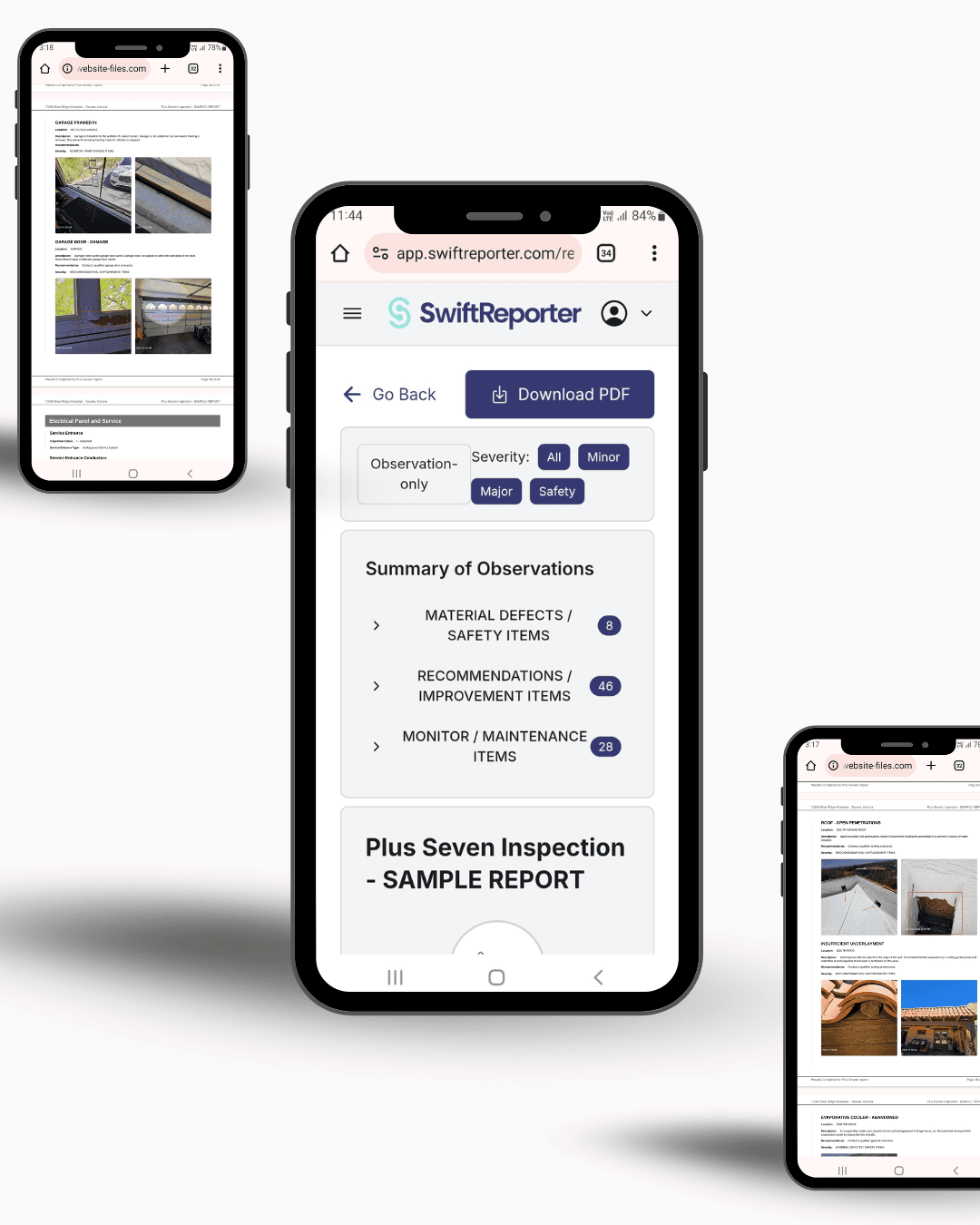
Updated 10 October 2026: Prices in this article were updated to reflect live pricing: $39 per inspector per month, $390 per inspector per year, or $12 a report.
Written by Evan Sutter, Co-Founder, Swift Reporter Software
Audit Time!
The period between Christmas and mid-January is deceptive. It feels quiet, but for successful home inspection companies, this is "Pre-Season."
By February, the real estate market wakes up. If your backend systems—bookings, templates, and reporting—are clunky, you’ll be spending another year doing unpaid admin work at 9 PM.
If you have downtime over this break, use it to run this 5-Step Business Audit. These are the exact areas where inspectors lose time and money, and how to fix them for 2026.
1. Stop the "Double Data Entry" Trap
The Problem: You take a booking via phone or email. You type it into your calendar. Then you type it into your payment processor. Then you type it again into your report writer.The Fix: Integration.
In 2026, your booking calendar, payment processor, and report writer should be one ecosystem.
- The Goal: When a client books a slot, your contract should send automatically, the invoice should generate, and the inspection file should be created with the address pre-filled.
- How to do it: Look for software that syncs deeply with tools like Square Appointments. You should be able to see upcoming bookings, payment status, and even filter by team member (if you run a multi-inspector firm) inside your reporting dashboard.
2. Refresh Your Templates (Don't Write from Scratch)
The Problem: Building codes and local regulations change. If you are still using a generic template from 2020, you are exposing yourself to liability and wasting time manually adding local nuances to every report.The Fix: Use AI to build "Local-First" Templates.
You don't need to spend 40 hours writing a new template. New AI Template Builders can now perform "Deep Research" into your specific local regulations to generate a compliance-ready draft for you.
- Action Step: Create a new template for a specific niche (e.g., "Older Home Foundation Inspection"). Run it through an AI builder to get 80% of the way there, then spend 30 minutes tweaking it.
3. Move Reporting to the Field (Truly)
The Problem: Taking photos on a phone/camera, driving home, uploading them to a computer, and then writing the report.The Fix: Native Mobile Reporting.
"Mobile friendly" websites aren't enough. You need a native app (iOS or Android) that works offline.
- The 2026 Standard: You should be finishing 90% of the report while you are still at the property. This saves you roughly 1-2 hours per job. That’s 10 hours a week you get back.
4. Automate the "Chasing" Phase
The Problem: You send the report, but you forget to ask for the review. Or you send the invoice, but you feel awkward chasing the payment.The Fix: Set up automated triggers.
- For Payments: Use a system that locks the report download until the invoice (via Square or similar) is paid. No more chasing.
- For Reviews: Set an automated email to go out 48 hours after the inspection asking for a Google Review. This is the #1 way to rank higher in local search results.
5. Audit Your Software Costs
The Problem: "Creeping Subscription Death." You pay $70/mo for software, $30/mo for a scheduler, $20/mo for cloud storage. Then the software company raises the price by 15%.The Fix: Choose transparent pricing that matches your volume.
Software is the biggest overhead for most inspectors after insurance and fuel. SwiftReporter keeps the decision simple: pay-as-you-go at $12 a report when you are low volume, or All-in-One at $39 per inspector per month or $390 per inspector per year when unlimited reports and Back of House make sense.
Ready to tighten up your workflow for 2026?
SwiftReporter has just launched our Square Appointment Sync, AI "Deep Research" Template Builder, and brand new Native Apps. You can handle your bookings, payments, and reporting in one place—for a fraction of the cost of the big legacy platforms. ### Start your 30-day free trial and choose the right plan
Written by Evan Sutter, Co-Founder, Swift Reporter Home Inspection Software